Field notes for the work a plain photo cannot explain.

Use PhotoVox when a photo alone will not remind you what mattered. Contractors, inspectors, property managers, repair techs, maintenance teams, field workers, and homeowners can add spoken context while they are still there, keep it under the right topic, and find it later.

Projects and field work

Job-site punch list

A walkthrough creates a dozen small issues. PhotoVox keeps each issue as a focused note: the photo, the spoken fix, and the follow-up text in the same topic without pretending to be a full field-service management system.

  • Capture cracked trim, missing hardware, or a panel label.
  • Record who owns the fix and what needs to happen next.
  • Keep punch-list notes and jobsite photo documentation searchable.
  • Search typed notes and, when transcription is enabled, transcript text.
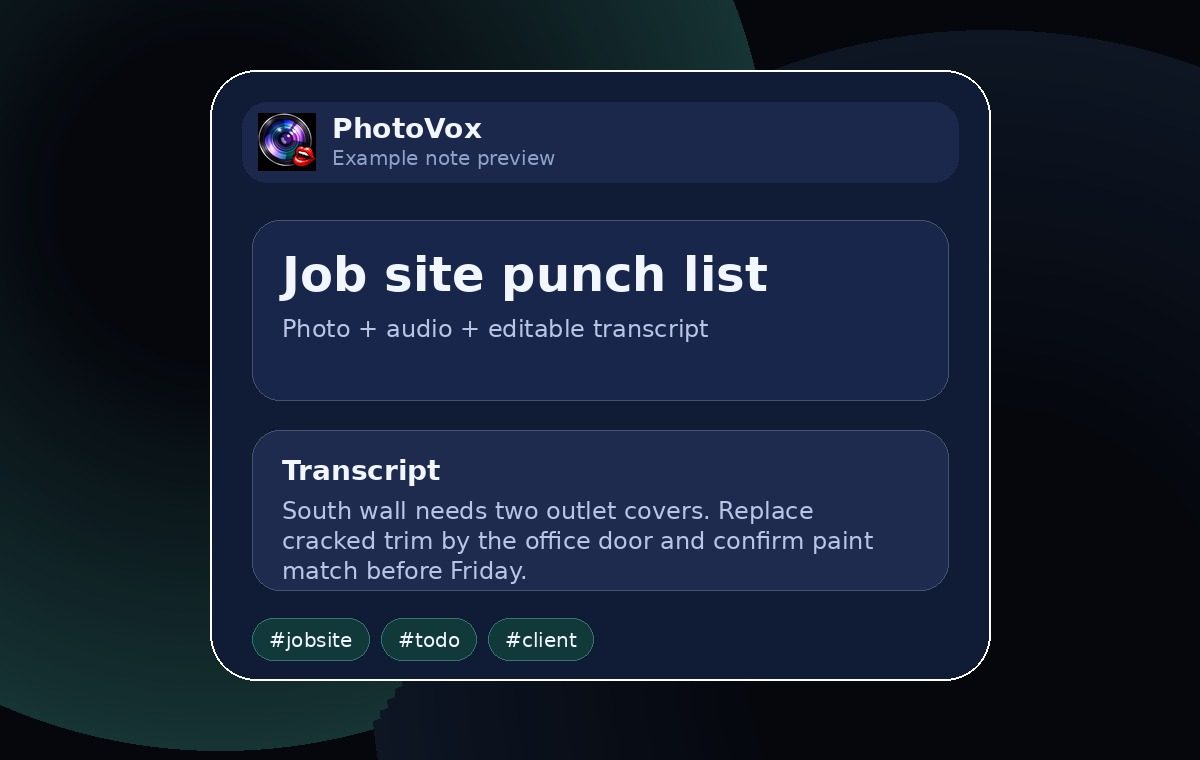
Job-site punch-list note example

Property and walkthrough notes

The room condition the photo cannot explain

A property photo can show a stain. Your voice can capture whether it is fresh, recurring, tenant-reported, urgent, or tied to a repair request.

  • Group rooms, units, or inspections by topic.
  • Attach visual condition notes to the exact bullet.
  • Keep inspection context and repair notes together for later review.
  • Preserve original audio even if transcription fails.
Property walkthrough note example

Home repair and maintenance

The hardware-store problem, solved.

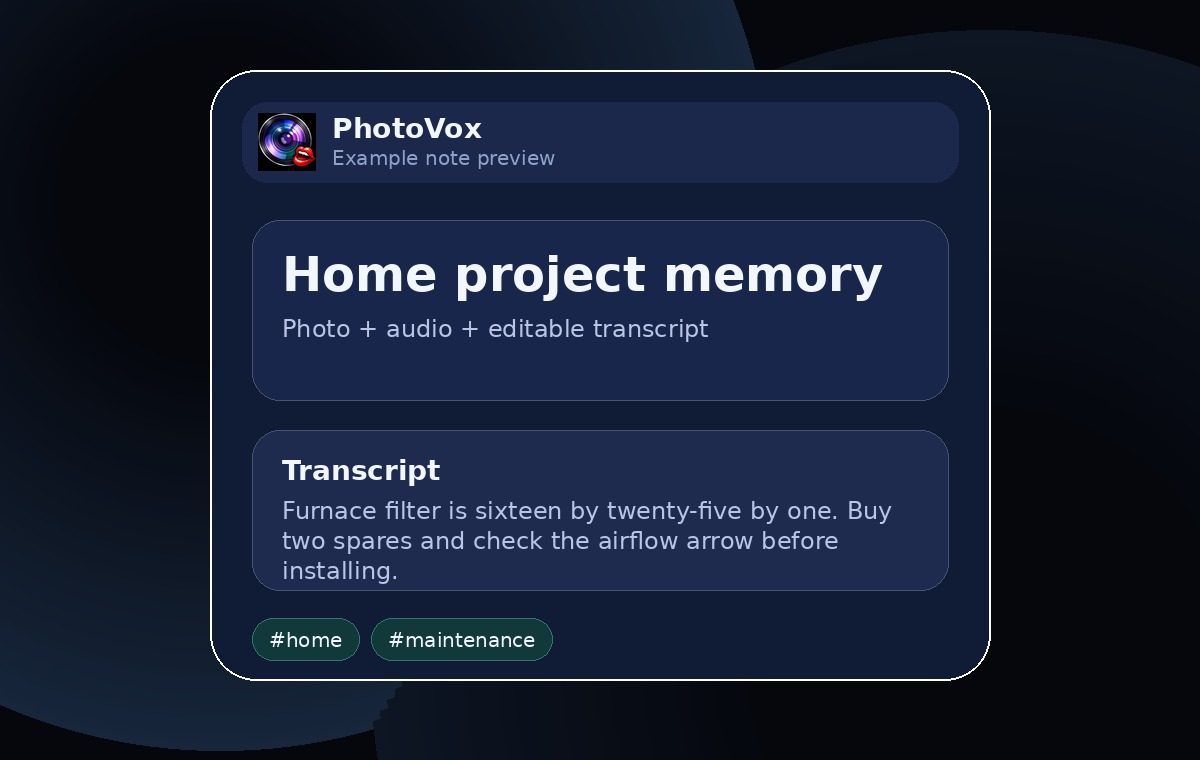
Filter sizes, paint codes, appliance plates, part numbers, and warranty details are easy to photograph and hard to find later. PhotoVox keeps the photo and explanation together.

  • Snap labels, receipts, and serial numbers.
  • Say the model, measurement, store aisle, or replacement schedule.
  • Document before/after project memory without setting up a large system.
  • Export a backup before changing browsers or clearing site data.
Home maintenance note example

Meeting and photo notes

Whiteboard decisions that survive the walk back.

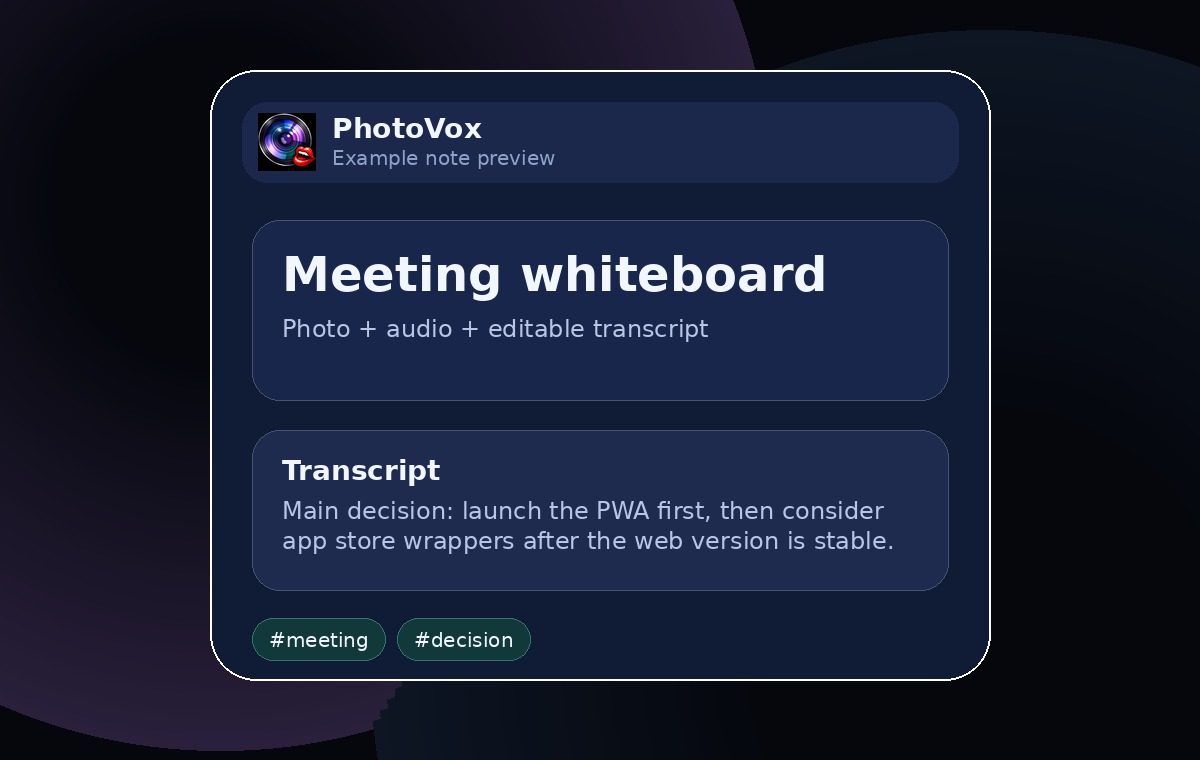
Photograph the whiteboard, then record the owners, dates, decisions, and context that are usually gone by the time the meeting notes get written.

  • Keep meeting photos under one topic.
  • Add bullets for decisions, blockers, and follow-ups.
  • Turn recordings into editable text when transcription is enabled.
Meeting whiteboard note example

Receipts, warranties, and inventory

The receipt you will need in eighteen months.

Capture receipts, serial stickers, warranty windows, storage locations, and the spoken detail that makes the record useful when something breaks.

Travel and field memory

The place you want to remember next time.

Save trailheads, parking details, restaurant names, gate codes, or field observations with the photo that triggered the memory.

Give the image a voice before the detail disappears.