Project details vanish
Measurements, model numbers, breaker labels, paint colors, and follow-up tasks get separated from the photo that made them matter.
 PhotoVox
Photo + voice field notes
Snap a photo, say what matters, and keep searchable project notes you can export or back up later. Built for jobsites, inspections, repairs, walkthroughs, and the moments where a plain photo is not enough.
Runs as an installable PWA at app.photovox.app for modern iPhone, Android, and desktop browsers.
The camera-roll problem
Camera rolls are great at saving images. They are terrible at remembering what you were standing there trying to explain. PhotoVox adds the spoken and typed context while the detail is still fresh.
Measurements, model numbers, breaker labels, paint colors, and follow-up tasks get separated from the photo that made them matter.
A property or field photo rarely captures smell, urgency, owner, severity, or the next step. A short voice note can.
Whiteboards and slide photos are easy to capture, but decisions, names, and deadlines need to be attached before everyone walks away.
How it works
Start a topic for a project, room, client visit, repair, trip, or meeting.
Use New text note, New photo note, or New voice note depending on what the job needs.
Record the explanation while you are still looking at the thing you need to remember.
Search typed notes and, when transcription is enabled, editable transcript text. Export readable reports or ZIP backups when needed.
Install PhotoVox
PhotoVox runs as an installable Progressive Web App at app.photovox.app. Installing gives you a home-screen icon; it does not turn on cloud backup or sync.
Open PhotoVox in Safari, tap Share, then choose Add to Home Screen.
Open PhotoVox in Chrome, then tap Install or Add to Home screen when available.
Export a backup ZIP first. Manual backup/export remains the current way to transfer notes.
Use cases
PhotoVox fits the space between a messy camera roll and a full field-service system: fast enough for the site, structured enough to find later.
Field notes and punch lists
Contractors, inspectors, property managers, repair techs, maintenance teams, field workers, and homeowners can photograph the issue, say what needs to happen, and keep the follow-up attached to the exact topic instead of buried in a camera roll.
See job-site example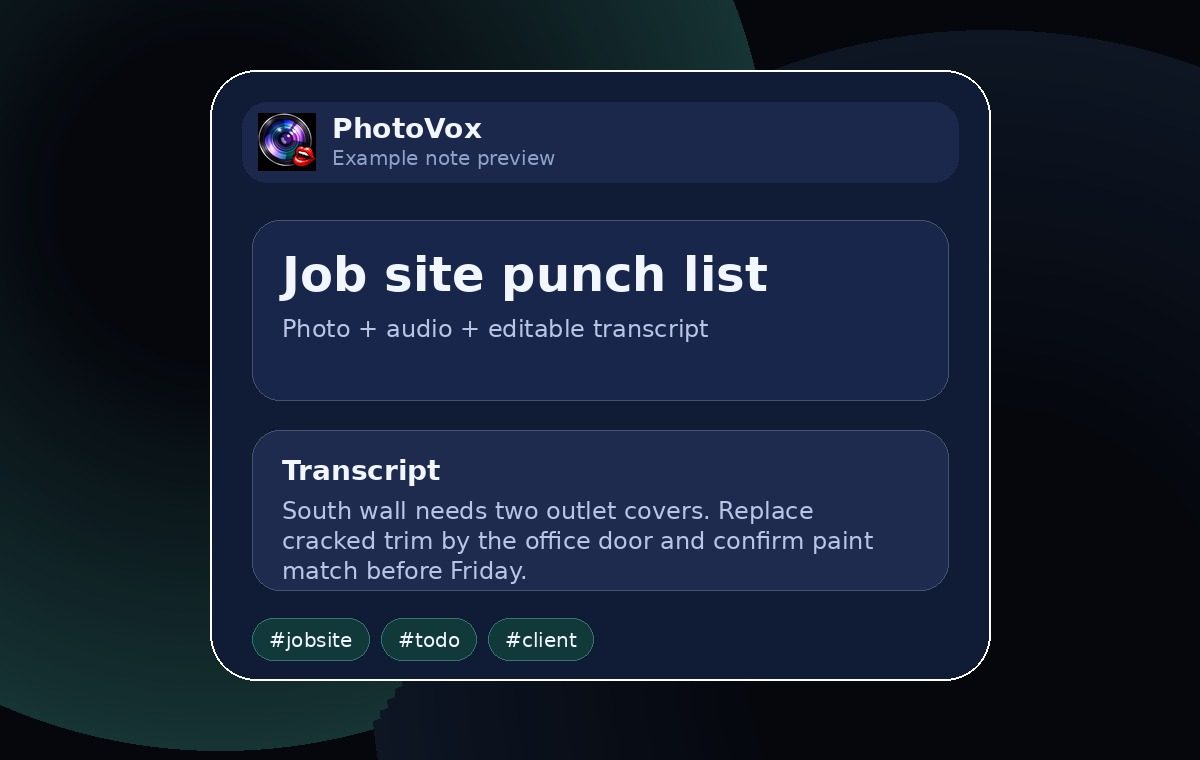
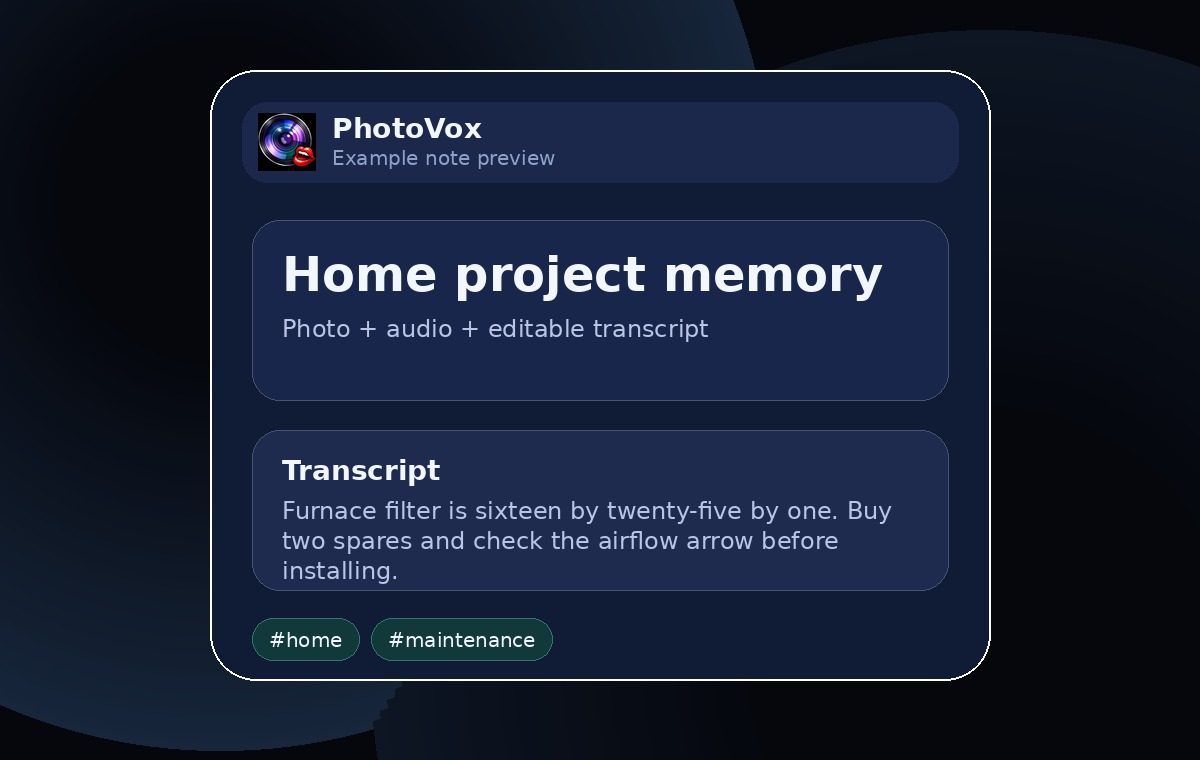
Save appliance labels, filter sizes, paint codes, serial plates, before/after photos, and the spoken details that make them useful.
Document room conditions, repair notes, inspection context, tenant concerns, and property walkthrough observations in one topic.
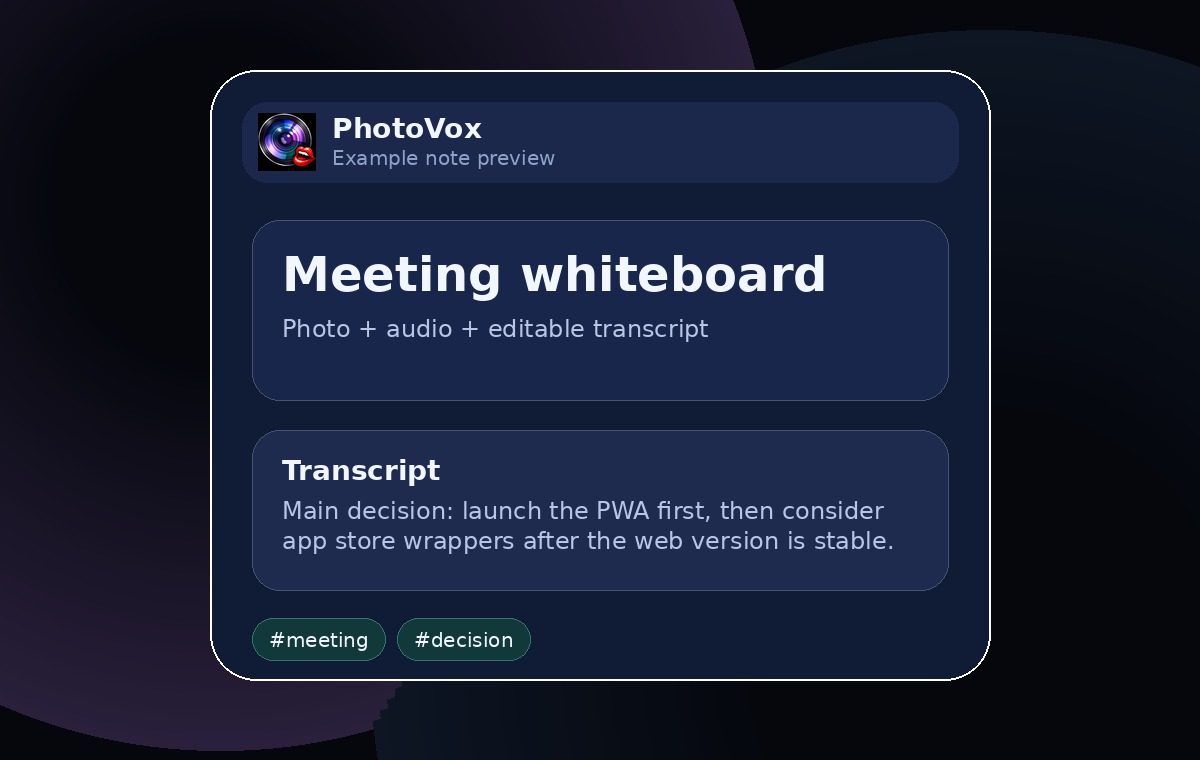
Pair jobsite photos, walkthrough notes, or whiteboard photos with owners, decisions, deadlines, and follow-up notes while the context is still clear.
Trust and data portability
PhotoVox keeps the marketing website and app separate, and backup/export/import stays part of the trust story for your notes and media.
Topics, bullets, photos, audio, and transcript text start in browser storage by default. Signing in does not automatically upload, download, merge, delete, or sync notes. Clearing site data can remove local app data, so backups matter.
Export/import backups are the current manual ZIP transfer path for protecting user-created notes, media, transcripts, and related local data. They are separate from cloud sync.
When transcription is configured and enabled, recordings can become editable, searchable text. If cloud/API transcription is used, PhotoVox asks for consent before audio leaves your device for processing.
This public website lives at www.photovox.app. The installable app opens separately at app.photovox.app. Sync, billing, ads, admin dashboards, and native app store releases are not live.
Examples
FAQ
PhotoVox is a photo and voice field notes app for topics, bullets, photos, audio recordings, editable transcript text, search, and backups.
Because a photo often needs a sentence, a name, a measurement, a smell, a problem, or a next step attached to be useful later.
Yes. Use the Try PhotoVox button to go to https://app.photovox.app/. This website remains the public marketing, legal, and support site.
The footer links to Privacy, Terms, and Support from every public website page.
Start with the next photo you do not want to forget
Capture the photo, say the context, and keep the note findable under the right topic.